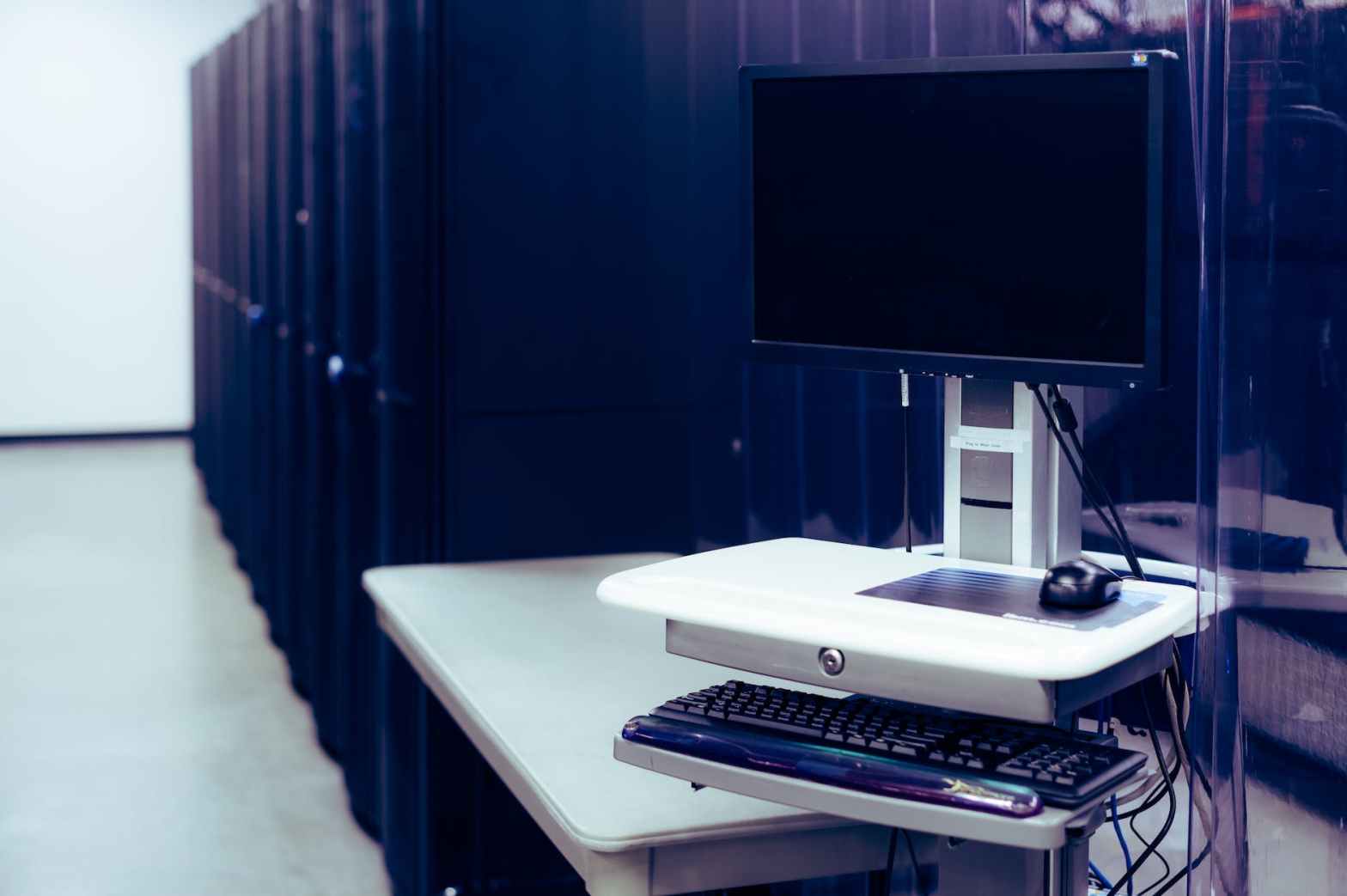
Within 3 months of taking the new job, I have meaningfully improved the efficiency of the way we deploy new computers. On average an individual would be able to prepare 2-3 devices per day. Now one technician can deploy 10 + devices at the same time limited only by the available network ports and space. Therefore a minimum we can now prepare 3 times the number of devices in a single day.
During my time at the Ministry of Education, I was mandated to set up a number of server services. These services included a deployment server. During that project, I chose to use Windows Server as I was new to server administration it would have been the easiest to learn in the time I had available. Luckily my colleagues at the time were available to host a training session and get me going with the basics of Windows Server. I detailed that experience here.
My current organization’s method of windows deployment involved creating an image for every type of machine they intended to deploy and copying that image from a file share to the new computer using a bootable Macrium Reflect. Although this method worked it was very inefficient.
Limitations included:
- Configuration options are limited
- If problems were created in the captured image they would be passed on to every image
- A new computer model required a new image to be created
- Applications options were limited to what was preconfigured
- Unable to deploy directly to the domain
- Driver deployment may have required intervention after deployment
I was given the task of deploying 100 new desktops. Even though I was given no deadline as we were in the process of moving to new offices and was in need of a devices to be ready on short notice. I took on the personal project of setting up a deployment server to make the deployment of those and any others more streamlined.
It took me some time to relearn what I did about a year ago and improve the configuration to make it applicable to my environment. The deployment server was set up using Windows Server 2019 with Microsoft Deployment Toolkit with the following configurations:
- Option for both Windows 10 or Windows 11 OS deployment
- Set up a default local administrator account with a password
- Compiling the list of applications available for deployment
- Configuring applications to install unattended
- Auto selection drivers based on device manufacture and model
Initially, I chose to have the server on a disconnected network segment to eliminate issues related to network security, access controls, and server conflicts. When I was done I solicited feedback from my colleagues on configuration changes and applications to add to the deployment. When I was confident in how the deployment server was performing, I demonstrated the deployment server to my superiors and got approval to add it to the domain and have it as the preferred way to deploy new devices.
 Jemuel|Griffith