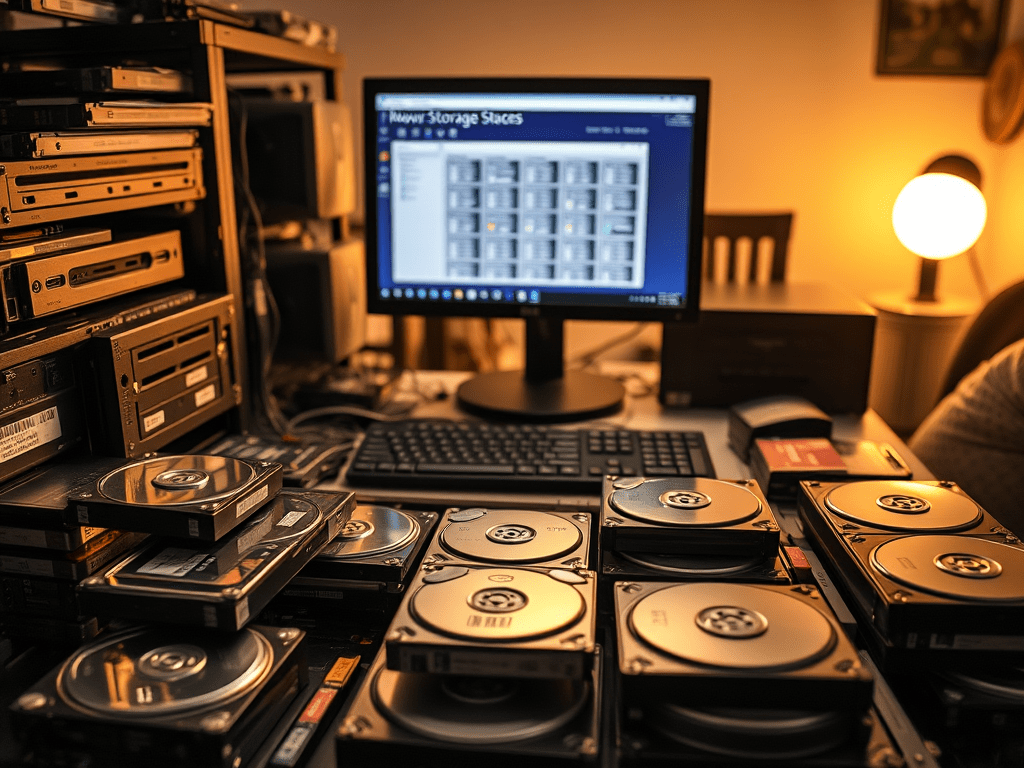
Part 1: Rebuilding a 14TB Storage Space Array
On my desktop at home, I had about 14 TB of hard drive (HDD) storage and I had to reformat all the drives and start over. Now, anybody with data will tell you losing data especially large amounts of it can be scary, but this is what I was facing.
The boot drive that I recently purchased, M.2 NVME 512GB SSD, to replace my SATA 256GB SSD that I have repurposed as a Hyper V virtual machine drive. I have over 10 HDDs of various sizes ranging from 500GB to 8 TB that I have acquired over the last 2 decades. You can say I am a data hoarder. Most of my important and irreplaceable documents are backed up on Microsoft’s OneDrive, whilst my pictures and video memories are in OneDrive, Apple’s iCloud, and Google Photos. Can’t be too careful with a lifetime of memories. You may wonder what I am keeping in those HDDs. Well, all I can say is I am a big fan of Plex. So, to ensure I have a large offline library I need as much storage as possible. But this is where the problem comes in.
Several years ago, to simplify my storage configuration, after learning about RAID (redundant array of independent disks) and its benefits, I was in search of a solution that didn’t have the drawback of RAID. Mainly the need to have multiple matching drives of the same size. Which didn’t work for me due to my HDDs being acquired over a span of 2 decades. I always bought the most storage I could get for $100US at that time. Meaning my drive sizes did not match. That’s when I discovered Windows Storage Spaces, a feature added to Windows 10 in a feature update during its life cycle. Storage Spaces is software that allows you to pool disks together like a RAID array but with one crucial difference. There is no need for the drives to be matching size. Storage spaces is so flexible you don’t even need the drives to be the same interface type. For example, one drive to SATA, the other be USB, and another eSATA, and the software just figures out how to put them to work.
Thus, after running with a mirrored array of about 8 drives I was running out of space, at the time I had a total of 14 GB of usable space that was mostly filed. With storage spaces, you can easily change the array and add capacity by just adding a drive. So that is what I intended to do. I purchased a 10TB HDD and added it to my array. I rebalanced it, which is the process of redistributing the data to evenly use all the disks including the recently added drive. I also took the step of removing a bunch of 500 GB and 1 TB drives that just didn’t make sense in the array with the added 10TB drive, but that’s when it all fell apart.
When trying to remove the drives I ran into some kind of bug during the removal process it was stuck on 0.02% and never reached 0%. Which meant that I could not disconnect the drive and remove it from the PC. It also meant that there was some kind of issue with my array. Knowing you have 14+ TB of data in limbo was worrying. So, I attempted to fix the issues by copying all the data off one TB at a time using one of the removed HDDs and then copying it back. Hoping that whatever corrupted data would be unreadable I could detect it and delete it as I go. That did not work. In fact, things got worse.
My entire storage pool went into a read-only state and after days of trying to fix it with PowerShell commands to no effect I gave up. My only solution was to copy all the data before the array degraded further, delete the whole storage space configuration, and recreate it as an empty array. Which I did. Due to HDD cost, I have moved away from new consumer drives to used/refurbished enterprise SATA drives. You get greater capacity for a lower price and enterprise reliability. Now you do take a bit of a risk with new drives but since it’s part of an array I was willing to take the chance. So, I got a 14TB HDD and copied all the data to it. I was even willing to lose 1 or 2 TBs of data if it couldn’t fit on that drive. Now I am just waiting out the 24hrs it will take to copy all that data over. That’s when I ran into another issue that we will get into in Part 2.
 Jemuel|Griffith